
Automatic Discounts Overview in Nexchar POS
An automatic discount code is a type of promotion that applies a discount to the customer's shopping cart during checkout automatically. These discounts are triggered when specific conditions are met, ensuring a seamless and efficient checkout experience.
Viewing and Managing Automatic Discounts
To view or manage automatic discounts:
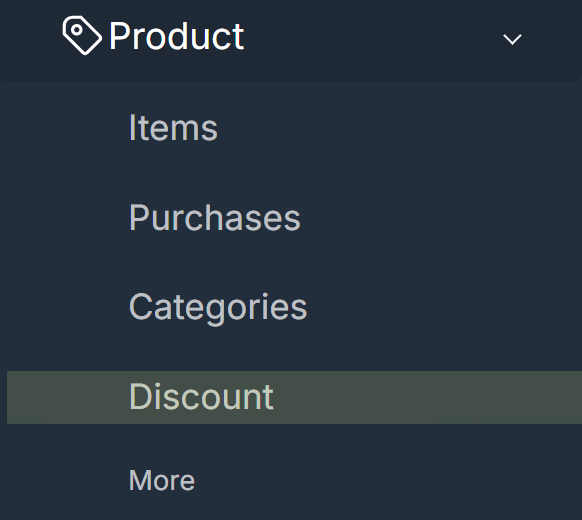
- Click Menu > Discount to navigate to the Automatic Discounts page.
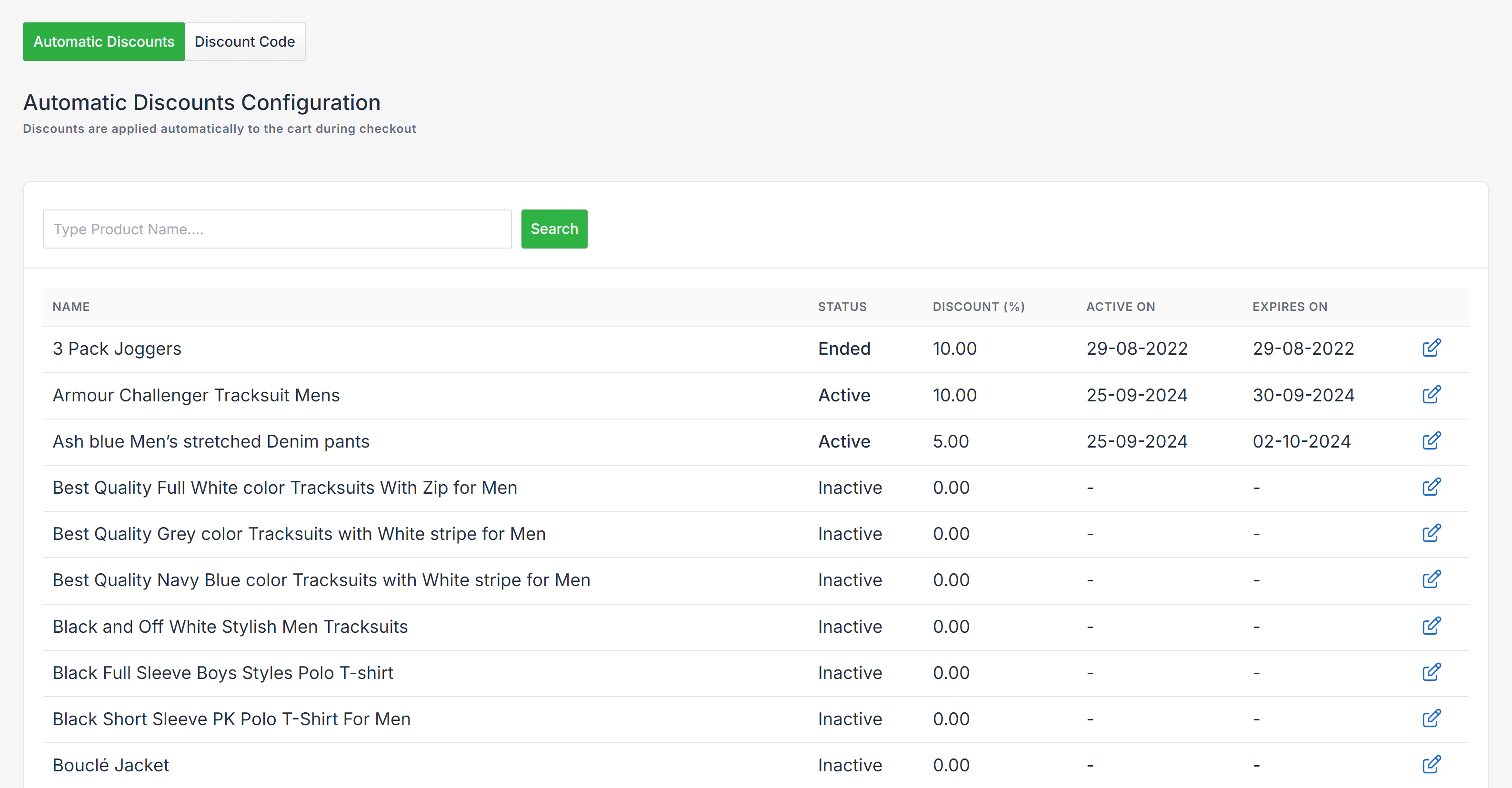
- On this page, you will see a list of all active and past discounts. Each discount is displayed with the following details:
- Name: The name of the discount.
- Status: Indicates if the discount is currently active or inactive.
- Active On: The date the discount starts.
- Expires On: The date the discount expires.
- Edit Discount: An icon that allows you to modify the discount settings.
Editing an Automatic Discount
To edit an existing automatic discount, you will have the following fields available for adjustment:
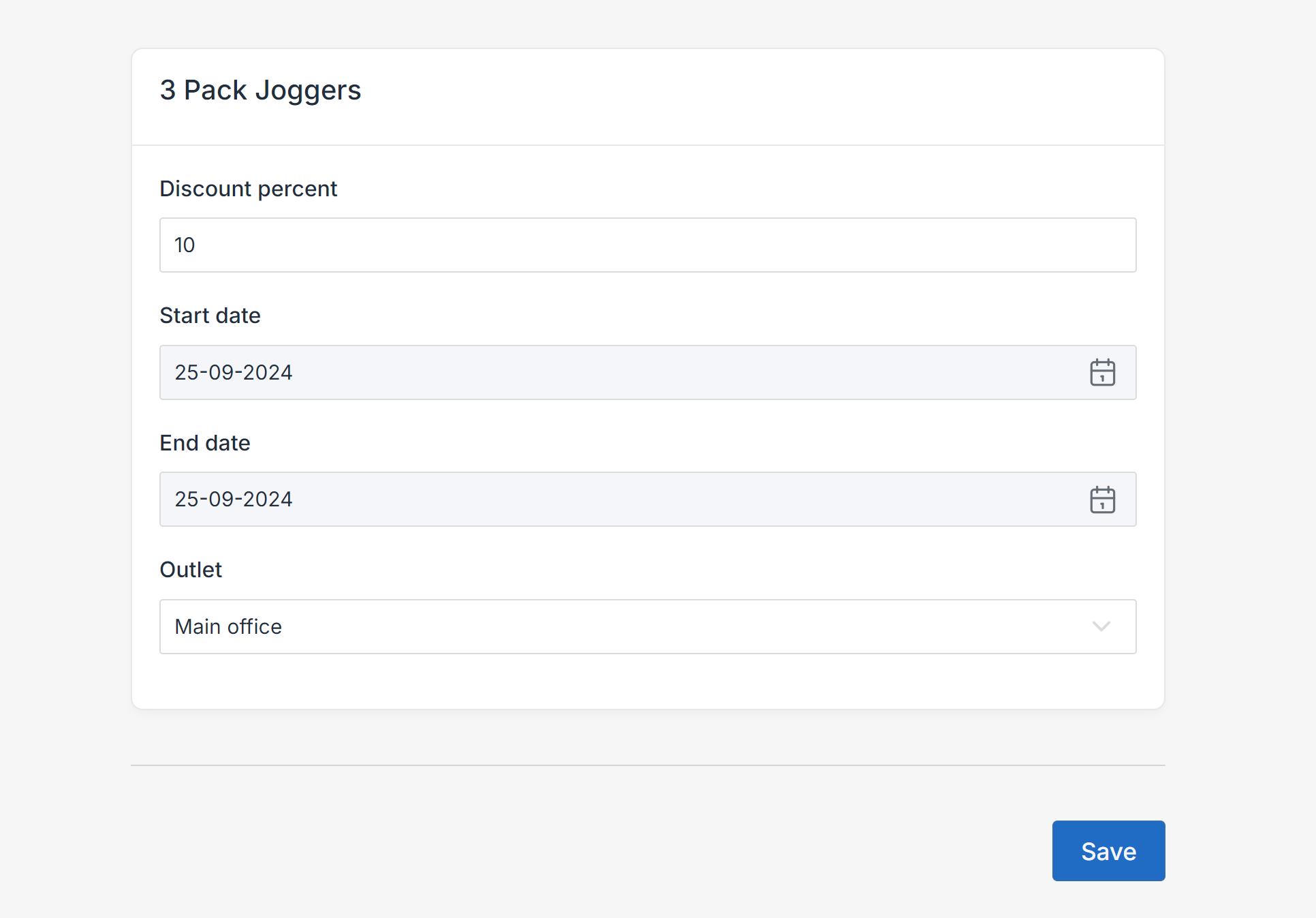
- Discount Percent: The percentage of the discount that will be applied automatically.
- Start Date: The date when the discount becomes active.
- End Date: The expiration date of the discount.
- Outlet: The specific store location(s) where the discount will be applied.
Once you've made the necessary updates, click the Save button to confirm and apply your changes.
Setting up and managing automatic discounts in Nexchar POS is a straightforward process that enhances the shopping experience for your customers. By utilizing automatic discounts, you can encourage sales while minimizing manual effort at checkout. Ensure your promotions are tailored to meet customer needs and keep your discounts updated for maximum effectiveness.