
Importing and Exporting Customers in Cloud Point of Sale
If you want to add or edit bulk customer data at once, you can use the Import/Export tool on the Management Console. You can also have the option to edit or add single customer data on an individual basis on the management console.
Importing customers' profiles
On the Nexchar management console, go to the Customers page. On the right hand side of the customer page, you can see three horizontal dots. Click the dots. A dropdown menu appears on your computer screen. Click Import contact from the dropdown menu.
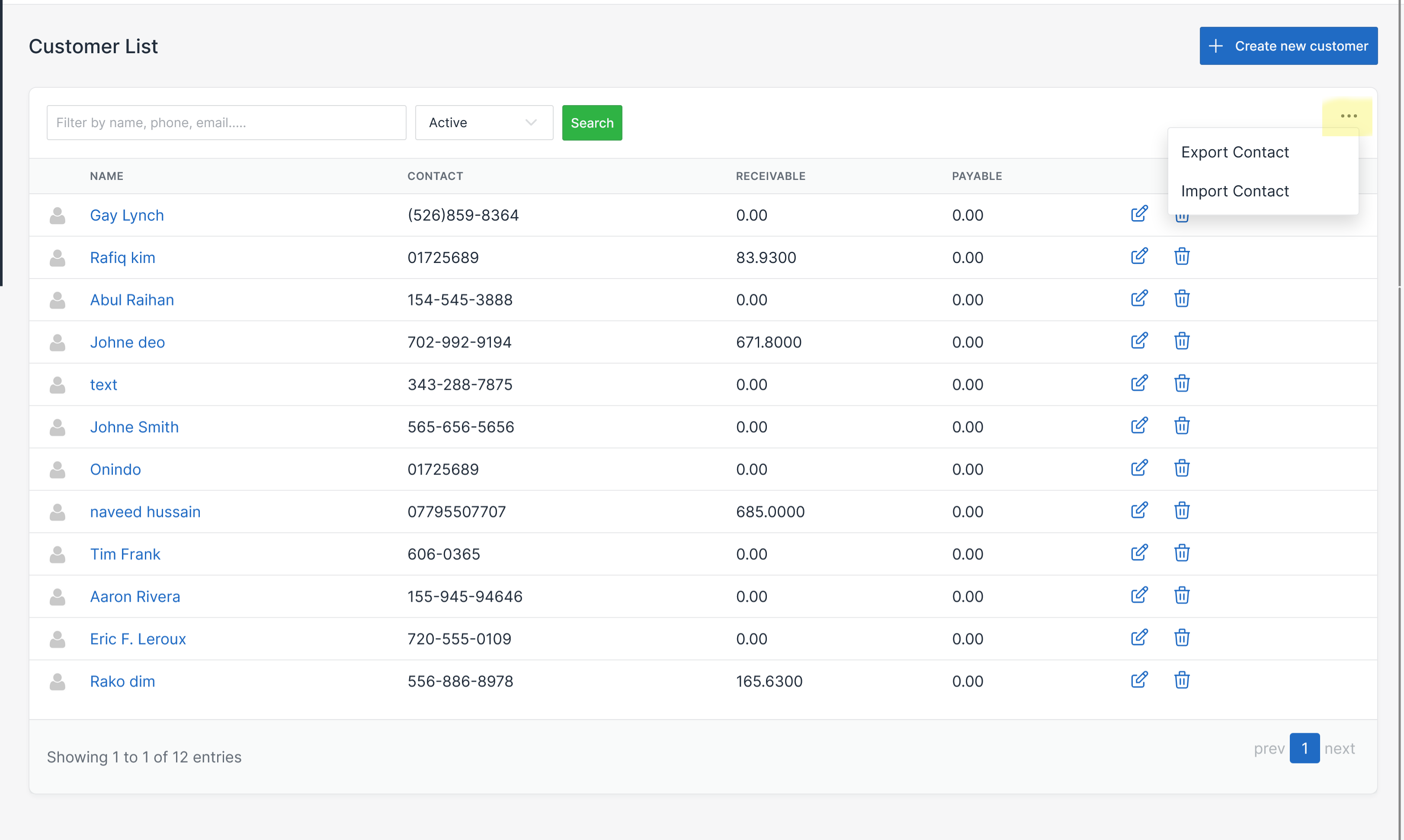
It will redirect you to the Import customer page.

Upload your CSV file. Then click the Save button.